Shipping
Configure shipping methods with prices, delivery times and country-specific options for your shop.
Overview
You find this page in the menu under Shop → Shipping.
Shipping methods define how ordered products reach your customers. Each method has a name, a price, a currency and an optional destination country. At shop checkout the buyer picks the matching method and its price is added to the cart. The list can be searched, imported and exported as PDF, CSV or XLS.
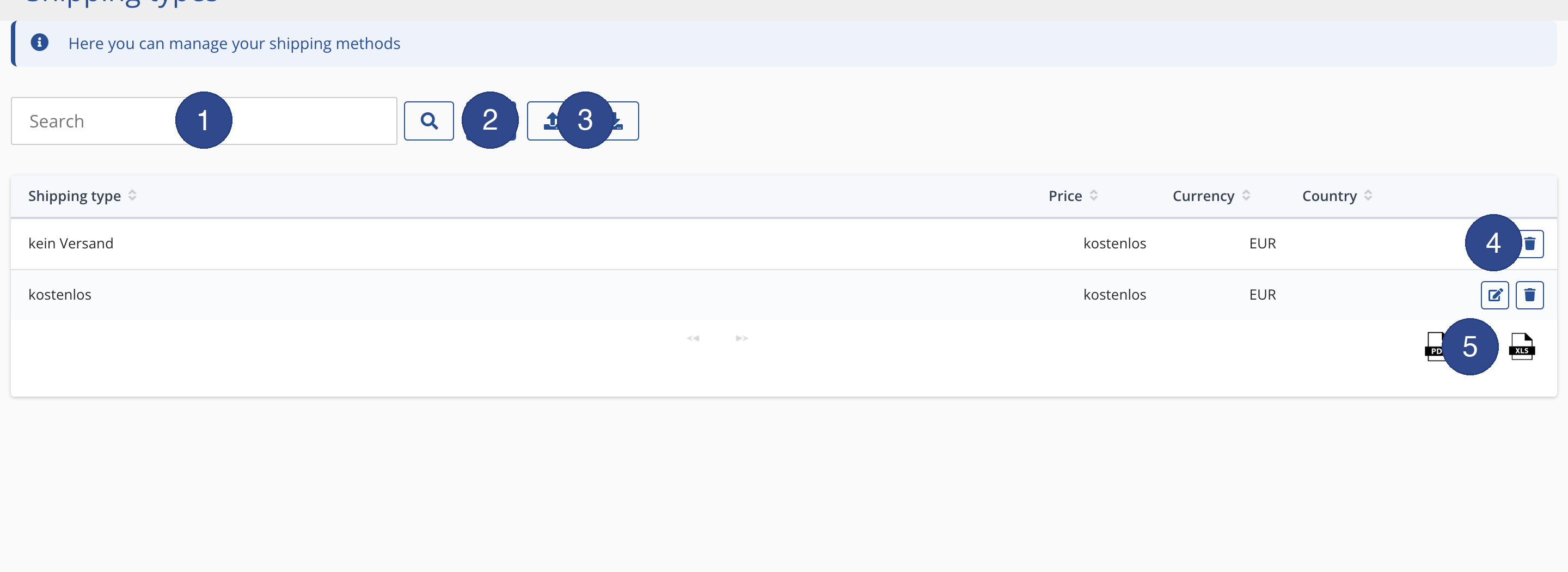
In the Shipping section you define which shipping options are available to your buyers. Each shipping method can be configured per country with its own prices, delivery times and logistics parameters.
You can offer several shipping methods in parallel — such as standard shipping, express shipping or pickup — and store different prices depending on the destination country, so that shipping costs are calculated correctly in the cart automatically.
Creating a Shipping Method
Click + to create a new shipping method. The dialog lets you configure details across several areas:
- General – Title, country (ISO code), price, currency, delivery days and description.
- Carrier – Carrier name, service level, zone, product ID and insurance option.
- Dimensions & Weight – Minimum/maximum weight plus package length, width and height.
- Options – Tracking, pickup option, cash on delivery, signature required and active status.
CSV Import and Export
Shipping methods can be imported and exported via CSV files. This is especially useful when you want to create many country-specific shipping options at once.