Weather cancellation
Outdoor dates are automatically checked against a weather rule before the start. Early checkpoints warn participants; at the decision point the date is canceled automatically or the organizer gets a cancellation proposal – every check is traceable with forecast and reason.
Overview
You find this page in the menu under Events → Weather & cancellations.
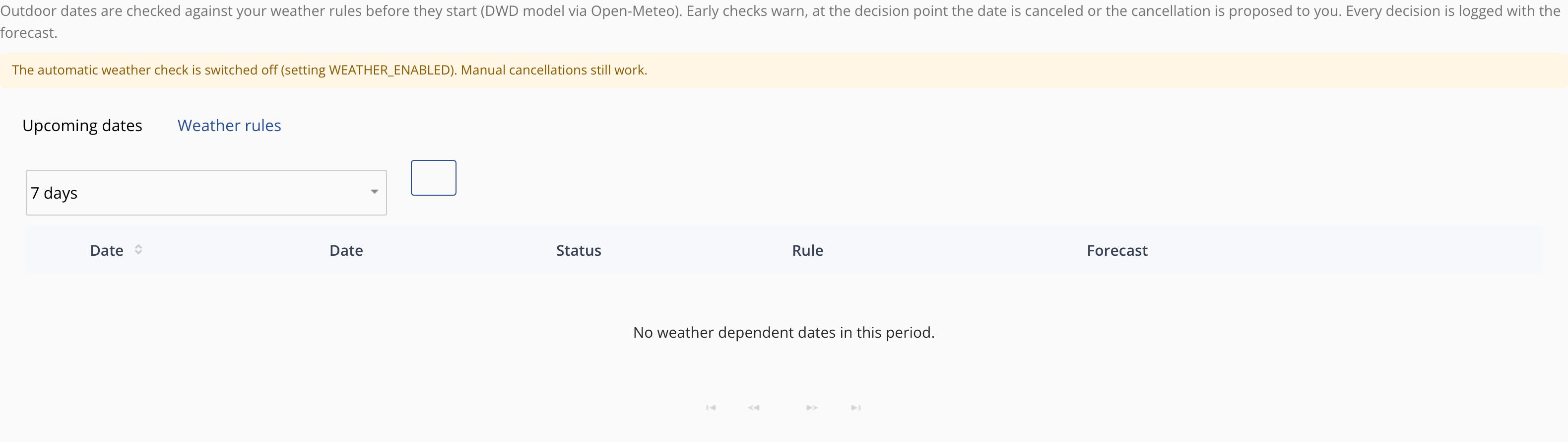
Outdoor dates are automatically checked against a weather rule before the start – events, course and training dates in a series, and court bookings. Early checkpoints warn participants; at the decision point the date is either canceled automatically or the organizer receives a cancellation proposal. You reach the Weather page from the Events, Training and Locations menus. It has two areas: Upcoming dates and Weather rules.
Requirements
- The location needs an address or a map pin so coordinates are available.
- The Outdoor checkbox is set on the location. Rules only apply to outdoor locations – an indoor event never triggers.
- Without coordinates or without a forecast nothing happens; this is recorded as no data.
Creating a rule & inheritance
A rule applies to a scope and is inherited – from most specific to most general: single date → series/event → court/resource → course → location → offer type → default. On a tie the newest rule wins. The overview shows per date whether an own rule applies or it is inherited from …
Presets per sport
A preset only fills the thresholds and checkpoints; the rest of the rule stays. Presets exist for running/triathlon, cycling, tennis/padel, beach, sailing, kite, windsurf, surfing, SUP/kayak/rowing, diving, riding, climbing park, ski/cross-country and outdoor course/camp. Wind is also shown in knots.
Thresholds
Per rule you set thresholds: rain (mm and probability), wind and gusts max., wind min. (sailing/kite), temperature min./max., thunderstorm, snow/ice, waves max./min., visibility min. (fog) and snow depth min. Waves only apply on coasts and large bodies of water. Missing values never trigger.
Checkpoints and decision point
The check runs at several times before the start, e.g. 24 h and 3 h before. Early checkpoints are warnings; the late one is the decision point where the cancellation or the proposal is triggered.
Action
At the decision point there are two actions: cancel automatically or propose to the organizer. With a proposal an email with a link is sent; you then confirm or reject the cancellation on the Weather page.
Consequences of a cancellation
- Money
- Refund, voucher (valid one year) or keep.
- Replacement
- Rain date (N days later, not across the year change), next series date, alternate location (indoor) or none.
- Resources
- Horses, boats, rooms, coaches and rental items are freed. Rental items and deposits are refunded.
- Tickets
- Spectator tickets become invalid and are refunded.
- Single distance
- The whole event only counts as canceled once all distances are canceled.
- Series
- The first date never cancels the whole course.
- Courts
- Optionally the court stays blocked.
Deciding manually
Independent of the automation there are Cancel due to weather now and Hold anyway. The Decide / History dialog shows the history with forecast and who decided.
Status
The status labels are: Planned, At risk, Decision open, Canceled, Rescheduled and Takes place. A weather cancellation is the same cancellation as the event status canceled, just with the reason weather – there is no second status.
Emails to participants
There are emails for warning, cancellation and replacement, plus the proposal to the organizer. They can be adjusted in five languages under Marketing → Email campaigns → System emails, area Weather.
What the app shows
The app shows the weather-dependent note, the rule as a sentence, the status and the decision time.
Limits
- Currently email only, no push and no SMS.
- No replacement-date choice by link.
- For an indoor replacement the room is not yet rebooked.
- The automation must be switched on by the operator; manual cancellations always work.